One calendar for the whole family's plans
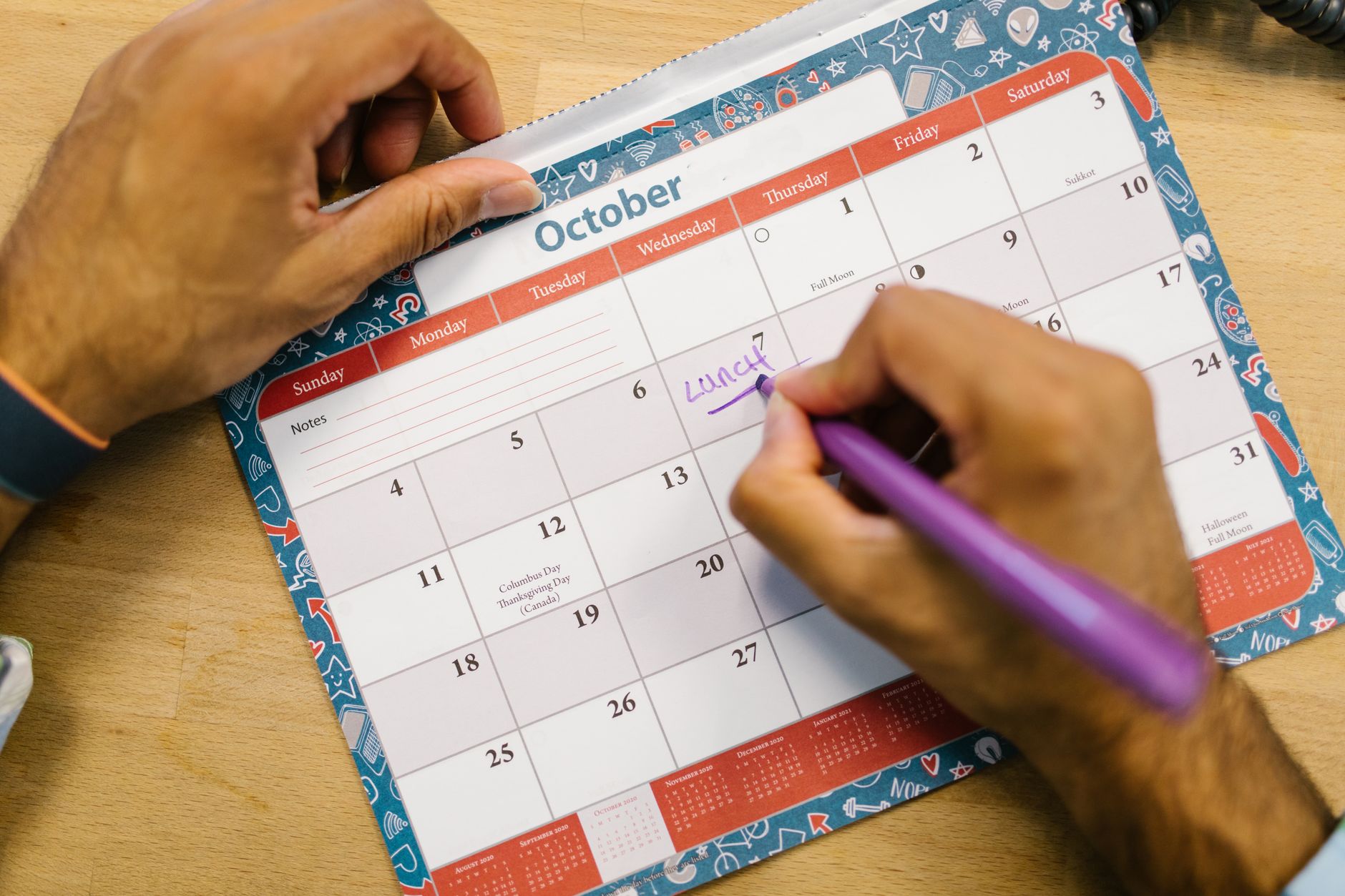
A family schedule calendar almost never fails because the wrong app was chosen. It fails because nobody decided who enters what, and which events belong on the shared calendar at all. The first week looks great. Six weeks later the shared calendar is mostly empty and everyone is back to asking each other across the kitchen.
What follows is the shape of the problem: the three ways families actually share a calendar, how to build one, the four reasons events duplicate or disappear, and the two habits that decide whether it survives past the first month.
Family events no longer start in one place
A single paper calendar on the fridge used to work because there was only one place an event could come from. That is no longer true. School announcements arrive in a school app. Swim lessons live in the club's booking system. Doctor appointments come from a clinic portal. Work meetings sit on a corporate calendar that the rest of the household cannot see. It is normal for one family to have events originating in five or more separate systems.
That spread cannot be undone, because each provider owns its own scheduling system. What can be decided is which single calendar the household treats as the source of truth, and whether each of those systems feeds it by sync or by hand. Skipping that decision is what produces an empty shared calendar: the events still exist, they just never moved.
The underlying data format is standardized, which is why calendars can be exported from one service and imported into another. The specification itself warns about what happens on the receiving end.
Applications that support importing iCalendar objects SHOULD support all of the component types defined in this document, and SHOULD NOT silently drop any components as that can lead to user data loss. Source: rfc-editor.org
Repeated manual imports are where family calendars quietly lose things. Deciding up front which sources sync automatically and which get typed in by a person makes a missing event traceable later instead of mysterious.
Three ways to share, and what each one costs
Households describe all three of these as a family calendar, but they differ in who holds permission, and they fail in different ways.
| Approach | What it looks like | Suits | Where it breaks |
|---|---|---|---|
| One shared account | A single family Google account everyone signs into | Young children with no devices of their own | No record of who added or deleted anything, and one password held by several people |
| A shared calendar | A family calendar owned by one person, shared to each account | Households where everyone has an account already | Permission levels get set wrong, so someone cannot edit |
| A platform family group | Google family groups, Apple Family Sharing | Everyone on the same ecosystem | Anyone on the other ecosystem is left outside the group |
The second approach is the most workable for most households. Personal events stay on personal calendars, and only events that concern more than one person go on the shared one. In Google Calendar, sharing permissions come in five levels: see only free/busy with details hidden, see event details, make changes while private events stay visible only as free/busy, make changes and see event details, and make changes plus manage sharing. Giving a nine year old view access and a partner edit access removes most accidental deletions before they happen.
Building the shared calendar
On Google Calendar the setup is three steps, and each one has a common failure attached to it.
Create a new calendar and give it a specific name. "The Tanaka family" reads better than "Family" once it sits in a list next to work calendars. Generic names get ignored.
Add each person and choose a permission level. An invitation has to be accepted before the calendar appears for that person, so it is normal for a newly added family member to see nothing for a while. That gap is not a bug, and re-sending the invitation three times does not help.
Check the display and the color on every device. The person who created the calendar sees it immediately. Everyone else has to turn it on, and a calendar that exists but is toggled off is the single most common cause of a family member insisting an event was never added.
One more decision belongs at setup rather than later: a naming rule for event titles. Putting person, activity, and place in that order, as in "Sho dentist station", makes a month view readable without opening anything. Titles like "dentist" force someone to tap the event just to learn whose appointment it is, every single time. On a family calendar, the title carries more weight than the notes field, for the same reason the fridge calendar worked: it has to be readable at a glance.
Why events duplicate or vanish
Complaints about family calendars almost always trace back to one of four causes.
The first is an event that exists twice because it was both invited and copied. An invitation lands on a personal calendar while somebody also typed the same event onto the family calendar. Two entries, two colors, one appointment. Without a rule that says the invited person deletes their copy, this recurs forever.
The second is two people entering the same event independently. Both parents add the school concert. One of them later moves it, and the other copy stays at the old time. Assigning event types to people, so that medical appointments always go through one person and school events through another, removes this entirely.
The third is a genuine disappearance caused by ownership. When the account that owns a shared calendar is deleted, or sharing is revoked, the calendar stops appearing for everyone it was shared with. Recording who owns the family calendar, on paper if necessary, is worth the two minutes it takes.
The fourth is the display toggle again. The event is still there and the checkbox is off. Before concluding that data was lost, open the same account in a browser on another device. If the event appears there, nothing was deleted and the fix is local.
The entry problem is the real one
Shared family calendars go empty for one reason above all others: entering an event is too much work at the moment the event is agreed. Plans get made at the school gate, in the car, halfway through a phone call. Opening an app, picking a date, picking a time, and typing a title takes more than thirty seconds in that situation. Past roughly that threshold, people decide to add it later, and later frequently does not arrive.
This is why the useful question when choosing a calendar app for Mac is not how the month view looks, but how fast an event gets in. A calendar that is beautiful and slow to type into will hold fewer of a family's events than a plain one that accepts a sentence. Where an app can take a spoken or written sentence such as "Sho dentist Tuesday at four" and fill in the date, time, and title from it, the number of steps at the moment of agreement drops to one. How that kind of sentence parsing behaves in practice is covered in Entering events, and the broader set of what a desktop calendar takes on is listed in Features.
In a household this effect multiplies. Faster entry does not save one person a few seconds; it changes how many events four people bother to record. And the more complete the calendar becomes, the more reason anyone has to look at it, which is the loop that keeps a family calendar alive.
Driving time is the second one
The largest hidden cost on a family calendar is not appointments. It is the driving between them. School runs, clinic visits, station pickups. None of it appears as an event, and all of it consumes real hours.
Most calendars offer a travel time field on each event. That field reserves a buffer before that one event. It does not know where the previous event finished. A piano lesson ending at 17:00 across town and a tutoring session starting at 17:15 can each carry a correctly configured travel buffer while the afternoon as a whole is impossible, and nothing raises a warning. Treating travel as a property of the day rather than of a single event is the approach described in Travel time.
For households with regular pickups, the practical move is to enter the drive itself as an event, separately from the destination. The driving already consumes somebody's time. Giving it a place on the calendar makes the week look like what it actually is, and makes it obvious when two commitments were never compatible.
Where the family calendar meets the work calendar
Whether household events belong on a work calendar is a genuine choice, and both answers are defensible. The inputs to that decision are the same everywhere.
The argument for merging is that a day only makes sense when it is visible in one view. Knowing that a nursery pickup sits at 16:00 is what stops a meeting from being accepted at 15:30. When family events live on a separate screen, that collision stays invisible until the morning it happens.
The argument against is visibility. Many companies configure calendars so that colleagues can see event titles, not just busy blocks. A hospital appointment or a school meeting placed there is shared further than intended, and calendar permissions are rarely reviewed after the day they were set.
The workable middle is to display the family calendar on the work machine while the events themselves stay owned by the family account. It appears for one person and does not propagate into colleagues' views. Where company policy forbids adding outside calendars entirely, the fallback is to place a plain busy block on the work calendar covering the hour, with the real detail living only on the family side. Either way the goal is identical: the time is visible where decisions about the day get made, without the detail traveling with it.
Rules for color, notifications, and all day events
Family calendars degrade when several people's preferences accumulate without a rule. Three decisions prevent most of that.
Decide whether color means the person or the type of event, and hold to it. Color by person answers "whose is this" instantly. Color by type shows all medical appointments as a group. Mixing both makes the color meaningless within a month.
Set notifications on each device individually. Notification settings do not transfer to people a calendar is shared with, which is the actual explanation behind most "the reminder never came" complaints.
Limit all day events to things that genuinely occupy a day, such as trips and sports days. Once every appointment becomes an all day banner, timed events get buried underneath them.
These three take about fifteen minutes to agree. Skipped, they produce a calendar six months later whose color scheme nobody can explain.
What to change first
Run the existing calendar unchanged for one week and write a single line every time it failed. If the lines are mostly events nobody typed in, the problem is entry speed. If they are mostly pickups that ran late, the problem is travel. If they are complaints about how the month looks, colors and display settings will settle it for free. That triage decides whether a different tool would help at all, and Caltimate is worth comparing only once the failure has a name.
Frequently asked questions
Can a family schedule calendar be set up without paying for anything?
Yes. Creating a family calendar in Google Calendar and sharing it with each family member costs nothing, and the same is true of Apple Family Sharing with the built in Calendar app. Paying for a calendar app only becomes worth considering when the losses are in entry speed or in travel between events.
What permission level should children get?
View only is usually enough for younger children and it prevents accidental deletions. Once a child starts adding their own commitments, raising them to edit events while keeping sharing management with a parent works well. Permissions can be changed at any time, so starting narrow costs nothing.
Why does the same event show up twice on a family calendar?
Because it exists on two calendars at once, typically an invitation on a personal calendar plus a manually typed copy on the shared one, or two parents entering it separately. Deciding which person enters which category of event removes nearly all duplicates.
Why do shared calendar notifications not reach the rest of the family?
Notification settings are per person and per device, and they are not carried over when a calendar is shared. Each family member has to set their own reminder timing after accepting the invitation. If nothing appears at all, check that the shared calendar is toggled on for that device first.