Sharing a calendar with the family, in practice
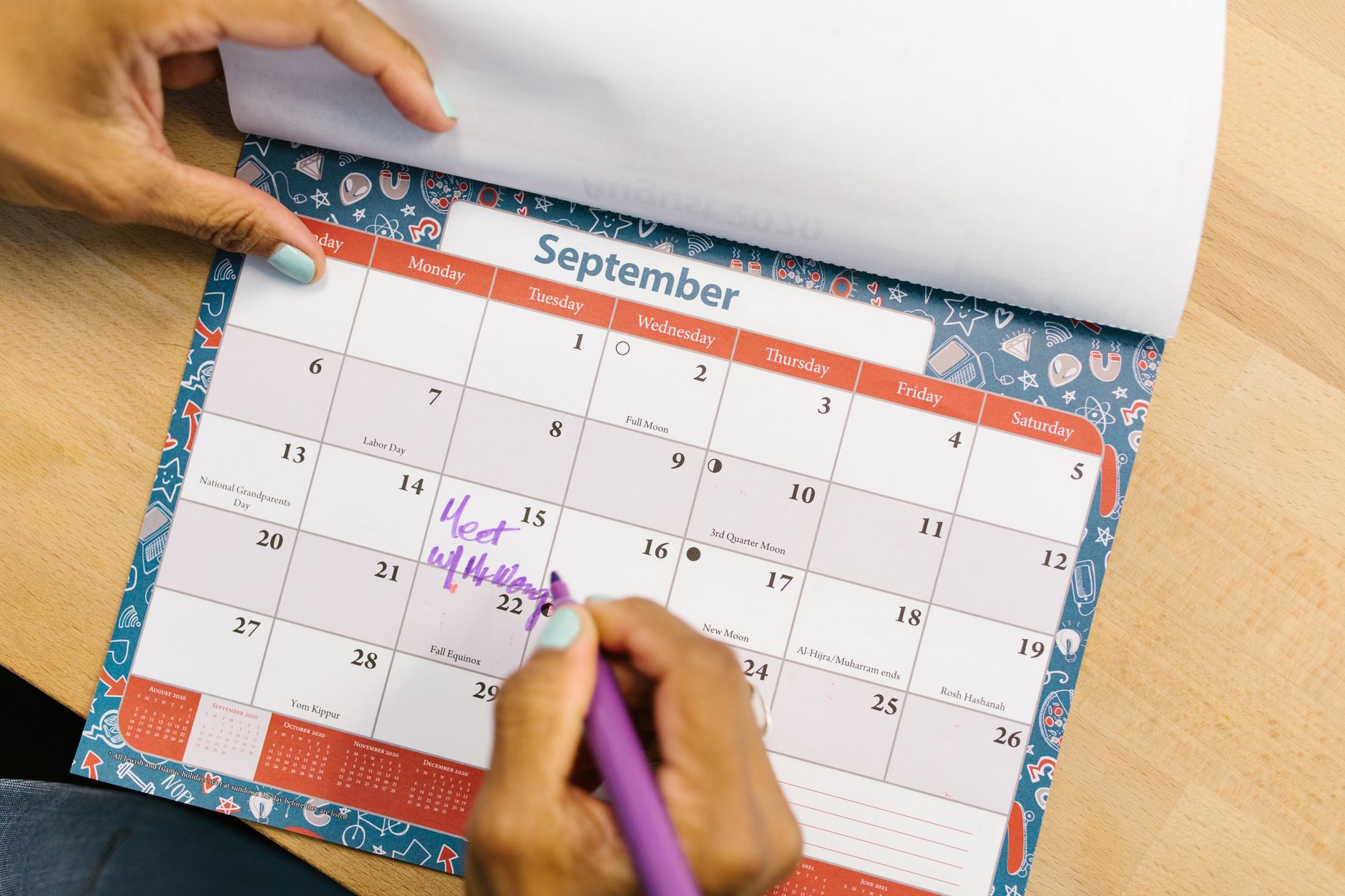
The sharing itself takes about ten minutes. Two accounts, one calendar, one invitation accepted. A month later the household is back to shouting questions across the kitchen, because nobody trusts what the screen says. The setup was never the hard part.
What breaks is the writing. A shared calendar is only as good as the last person who bothered to put something into it, and in most households that person is one specific adult who ends up carrying every appointment, every school notice, every rescheduled lesson. The other screens become read-only, then unread, then ignored.
Why a shared family calendar goes quiet
A calendar nobody writes into is a calendar nobody defends. When one person enters everything, the second person has no way to judge whether an empty Saturday is genuinely empty or just not yet transcribed. So they book something on top of it. Once that collision happens twice, asking out loud becomes faster than checking, and the shared calendar drops to the status of a rough guide.
The cause sits upstream of any sharing setting. Family commitments are not decided at a desk. They get fixed at the school gate, in a supermarket queue, or in the thirty seconds after a phone call with a clinic. Whether the appointment survives that moment depends entirely on how long it takes to write down. A form with separate fields for title, date, start time, end time, and location takes long enough on a phone that the honest answer becomes "later", and later does not arrive.
There is a second structural problem. Two people rarely keep calendars at the same resolution. One tracks work in fifteen minute blocks, the other writes "away Saturday". Overlay those on one screen and the fine-grained one floods the view, burying the three entries that actually concern the household. Deciding what gets shared, before deciding how to share it, prevents that.
Both problems point the same way. Before comparing apps, spend two weeks watching where entries fail to get written. The answer is almost always a specific moment in the day, not a missing feature.
Three shapes of family sharing
"Share the calendar" describes at least three different arrangements, and they fail differently.
| Arrangement | What it does | Suits | Where it breaks |
|---|---|---|---|
| One shared family calendar | A separate calendar everyone can edit | Households that want a clean split | Nobody remembers to write into it |
| Whole-account sharing | One person's entire calendar visible to another | Couples tracking each other's day | Work meetings become visible too |
| Family-focused app | Calendar bundled with lists and messaging | Households with young children | Becomes a second calendar to maintain |
The separate family calendar is the most durable of the three. Personal calendars stay personal, and only shared-interest events go into the common one. The trap is that there are now two places to write, and without an explicit rule the shared one stays empty. A single sentence settles it: if another person in the house needs to know, it goes on the family calendar.
Whole-account sharing is the fastest to configure and the fastest to regret. Every client meeting and every medical appointment appears on the other person's screen. Narrowing it later means redoing the permissions, so it is worth choosing the narrower option at the start.
A family-focused app is genuinely convenient for shopping lists and school reminders. The cost is that work already lives in Google Calendar or iCloud, so the day is now split across two screens and neither shows the whole picture. Within a couple of months one of them stops being opened.
Permissions decide who can actually add anything
Sharing is not a single switch. Most calendar services offer graded access: seeing that a block is busy without seeing what it is, seeing full details, being able to edit, and being able to manage the sharing itself. Which level gets handed out determines whether the arrangement survives.
For a shared family calendar, edit access is the baseline. Anything less recreates the original problem, where one adult is the only person who can record anything. For a personal calendar shown to a partner, busy-time-only access is usually enough. The question being asked is rarely "what is that meeting about" and almost always "can something be asked of you at four o'clock".
The management level is the one that gets overlooked. Only someone with it can add another family member later or revoke access. If exactly one person holds it, every future change waits on that person's device being available. Both adults holding management rights removes a small but recurring source of friction.
Children complicate this, because calendar services set minimum ages for independent accounts. Until a child has a device of their own, the practical arrangement is a calendar named after them inside a parent account, distinguished by colour. When the child does get an account, that calendar can be handed over intact, which keeps years of history rather than starting from nothing.
Duplicates, invisible calendars, and notification floods
Three complaints show up in the first fortnight, and all three have specific causes.
Events appearing twice is almost always the result of an event living on a shared calendar and also being sent as an invitation to the same people. The shared calendar already puts it on their screen, so the invitation adds a second copy. Invitations belong only on events that need an RSVP. The other cause is one person manually copying entries into their personal calendar, which stops being necessary once the shared calendar is trusted.
A calendar that was shared but is not visible usually means the invitation link was never opened, or it was accepted on a computer and never enabled on the phone. Mobile calendar apps often do not display newly added calendars automatically. The fix lives in the app's own settings rather than in the sharing configuration, which is why this one wastes so much time.
Notification volume is the easiest to fix and the most likely to cause someone to abandon the whole arrangement. Notification settings are per person, not per calendar, so an alert for a partner's dentist appointment can be switched off on one device without touching anyone else's setup. A workable default is alerts on the family calendar only, with a partner's personal calendar visible but silent.
The part families always leave out
Family commitments come with places attached, and the time actually consumed is longer than the time at the location. A forty-five minute appointment across town can easily occupy two and a half hours once travel in both directions is counted. When only the appointment is on the calendar, the surrounding time looks free, and something else gets booked into it.
Putting travel on the calendar as its own block changes what everyone sees. The afternoon reads as full because it is full. A second person looking at the shared view stops proposing things that were never possible. This matters more for families than for work calendars, because domestic schedules chain together: the clinic run has to end before the school pickup starts, and neither has any slack.
Approaches differ on whether this is manual work or something the calendar handles. Some Mac calendar apps attach travel to an event and reserve it automatically once a location is entered, which is the difference between a habit that lasts and one that is abandoned in week two. The reasoning behind that approach is set out on the Travel time page, and it is worth reading before deciding that the current setup is good enough.
Sharing with relatives who live somewhere else
Not everyone who needs visibility lives in the house. A parent's hospital appointments, a student's trips home, a sibling coordinating care: these all argue for sharing, and all of them go wrong if handled the same way as the household calendar.
The volume is different, for one thing. People under the same roof benefit from seeing meal times and errands. Someone two hundred miles away needs perhaps four dated items a quarter, and flooding their view with daily logistics buries the entries that actually concern them. The lifespan is different too. Care arrangements shift, students become independent, and access that made sense in March needs revoking in September.
Because sharing is granted per calendar rather than per event, the arrangement that survives all that is a separate calendar for each distinct audience. A calendar holding only what relatives should see can have its access changed in one place. A single calendar holding everything cannot be unpicked later, so hiding one entry from one person means recreating events elsewhere.
Two practical details are worth handling in advance. Older relatives frequently stall at the step of opening an invitation link and accepting it, so completing that setup on their device directly saves a week of confused phone calls. And notification defaults should be dialled back to a single reminder the day before, because a stream of alerts on someone else's schedule reads as noise rather than help.
Rules that keep it alive
Very few rules are needed, but they have to be agreed rather than assumed.
Write to one place. Shared-interest events go on the family calendar, everything else stays personal. Colour by category rather than by person, since four colours for medical, school, work, and outings stay legible where eight colours do not. Avoid all-day entries for things that actually consume hours, because an all-day block has no power to stop anything being booked underneath it. Always enter the location, since it changes what the travel estimate looks like.
Above all, keep entry short. The moment an event becomes real is not a moment spent at a desk, so the test is whether it can be captured in about ten seconds on whatever device is in hand. Some Mac calendar apps accept a plain sentence or spoken input instead of a form, so saying "dentist next Tuesday at three" produces the event without any fields being filled in. The approach is described on the Entering events page. Whether that specific method appeals or not, the underlying point holds: the length of the entry step decides how much of family life ever reaches the shared view.
Where a comparison of feature sets is useful, the number of calendars that can be shared, the granularity of permissions, and the range of Google Calendar and iCloud syncing are the three things that actually differ between products. Those are laid out on the Compared with other calendars page, and licensing across multiple household devices is covered under Buy.
What to change first
Spend two weeks running the current setup unchanged and note every time an event fails to get written down, along with where the person was standing at the time. That log points at one of three fixes: permissions, notifications, or entry speed. Fix that one thing before changing tools, and if entry speed turns out to be the constraint, Caltimate is one of the Mac calendar apps built around shortening exactly that step.
Frequently asked questions
Is one shared family calendar enough, or should there be one per person?
One is usually enough, because the event title already says who it concerns and extra calendars add management overhead. Split them only when the audience differs, for example if a child's schedule should also reach grandparents. Sharing is set per calendar, so a different audience is the only reason that justifies a separate one.
Can a partner see free and busy times without seeing work meeting details?
Yes. Setting the share to busy-time-only hides titles, locations, and guests while still showing which blocks are occupied. That is normally all the other person needs, since the question being asked is whether an hour is available rather than what the meeting concerns.
Does calendar sharing work when the household mixes iPhone and Android?
It does, provided the shared calendar lives in a Google account rather than in iCloud. iCloud calendar sharing is limited to Apple devices, so a mixed household is simpler to run on Google, which any phone or computer can display.
If sharing is turned off later, do the events disappear from the other person's device?
Events on the shared calendar disappear, because the calendar itself is removed from their list. Anything they copied by hand into a personal calendar stays. Checking which calendar an event actually lives on before revoking access avoids losing entries that still matter.