Learn
Running a week that holds together, on a Mac calendar.

Google Calendar account sync: what actually crosses over
Adding a Google account to a desktop calendar does not bring the whole account. Which calendars sync automatically, which need a separate page, and which features are left behind.

Is there a native Google Calendar app for Mac? Four real options
There is no native Google Calendar app for Mac. It runs in a browser tab, a Dock web app, Apple Calendar or a third party app, and each one gives up something.

Google Calendar PC shortcuts and where they stop
Google Calendar PC shortcuts stay off until a switch is flipped, and the documented list is shorter than expected. Here is the full set, the browser collisions, and the gaps.
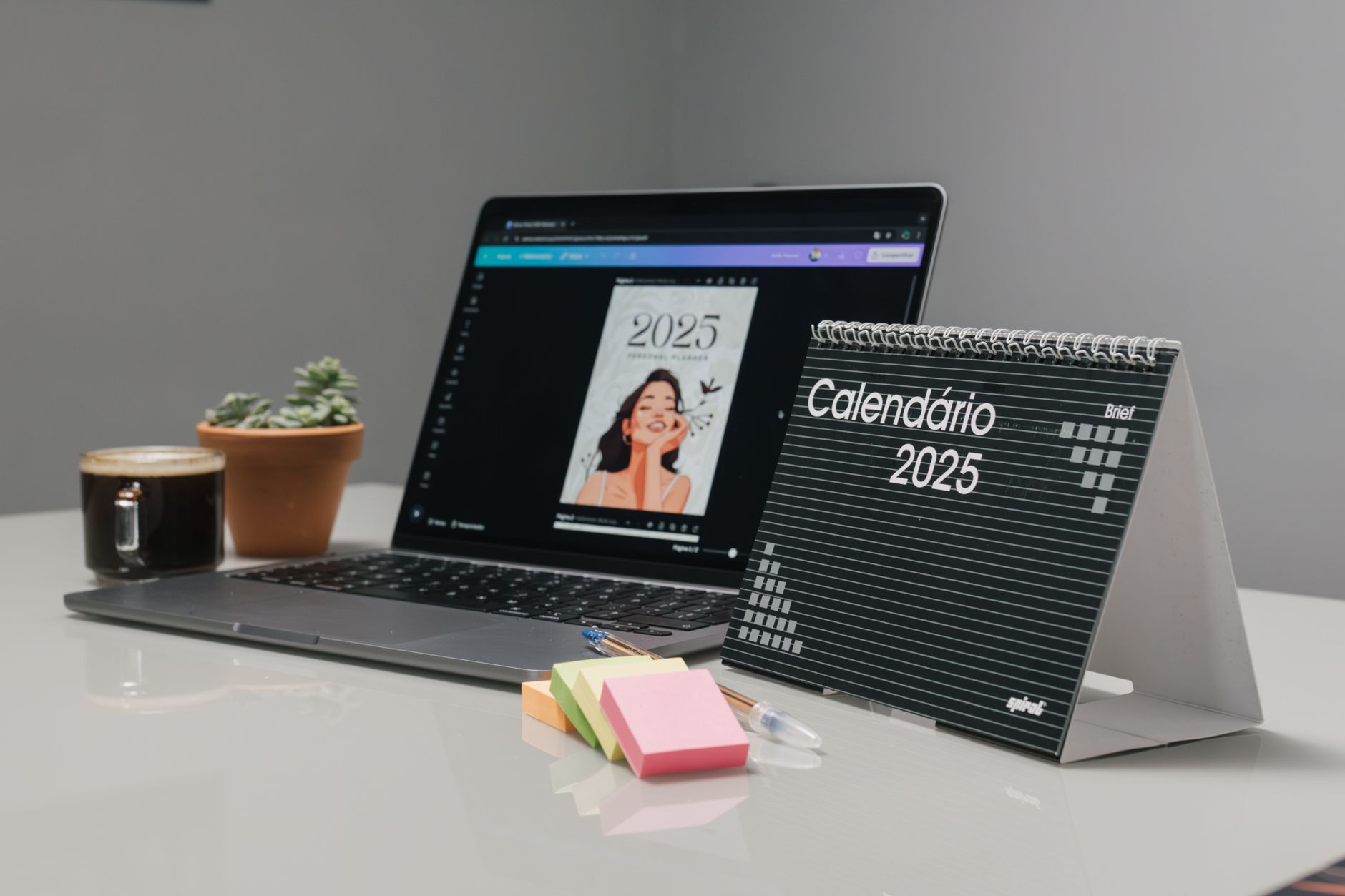
Adding a second account to Google Calendar
To add another account to Google Calendar, sign in through the profile picture. That only lets you switch, so here are three ways to see both on a Mac.
Excel calendar with multiple events in one day, done properly
An Excel calendar handles one event per day fine and falls apart at three. Here is the one row per event layout, the overlap formula, the CSV headers for moving out, and when to stop.

Calendar shortcut on desktop: what works on a Mac
How to put a calendar on your desktop on a Mac: add the Calendar widget, show Google Calendar in it, or make a desktop icon and a key that opens it.

Free ways to show a calendar on the Mac desktop
Showing a calendar on the desktop for free on a Mac: the four surfaces it can live on, what macOS already includes, which free apps cover the rest, and where free stops.
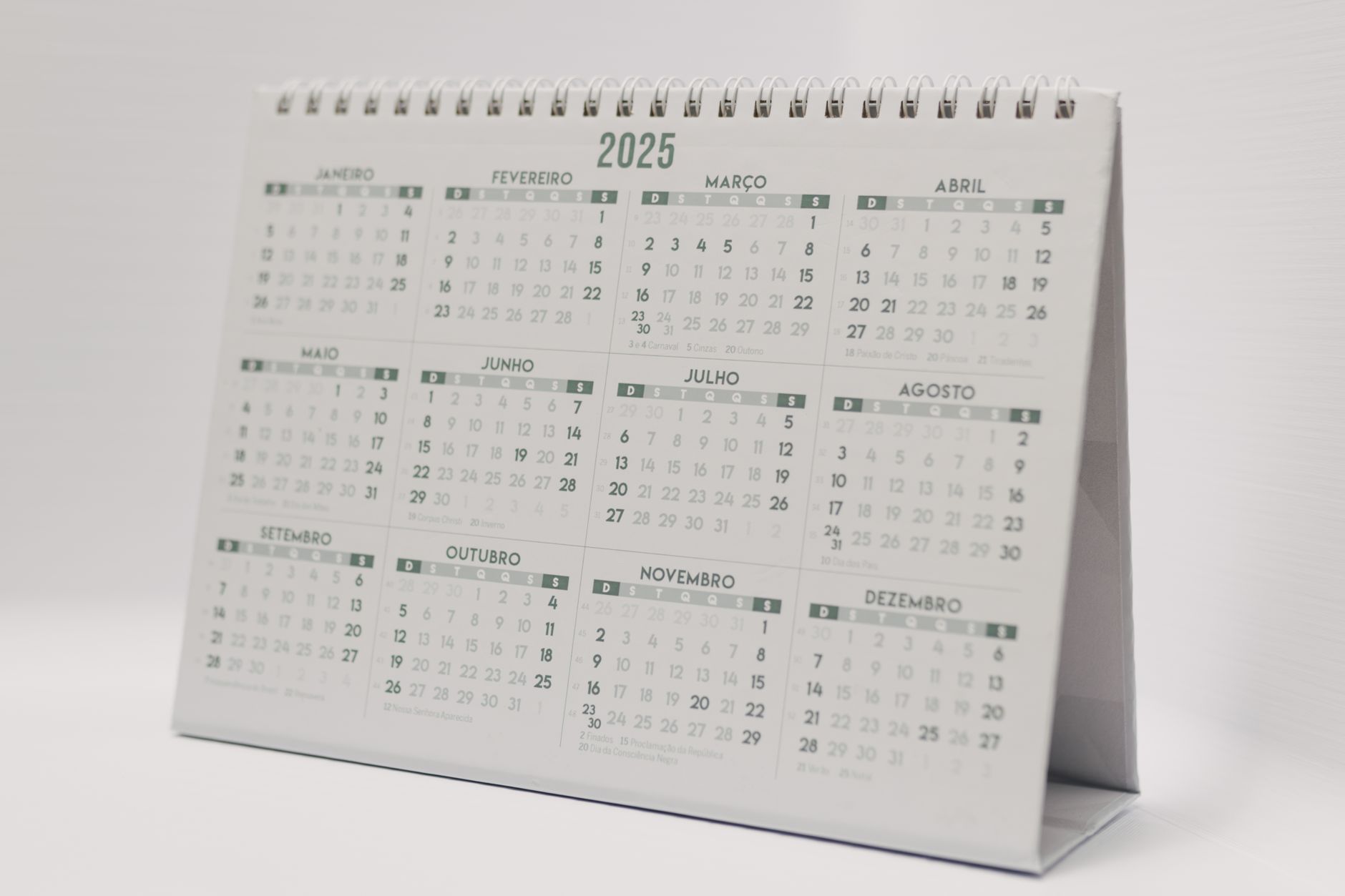
Calendar widget on Mac: what it shows and what it skips
A calendar widget on Mac sits on the desktop or in Notification Center. Here is what it reads, why Google events go missing from it, and when a window wins.