Learn
Running a week that holds together, on a Mac calendar.
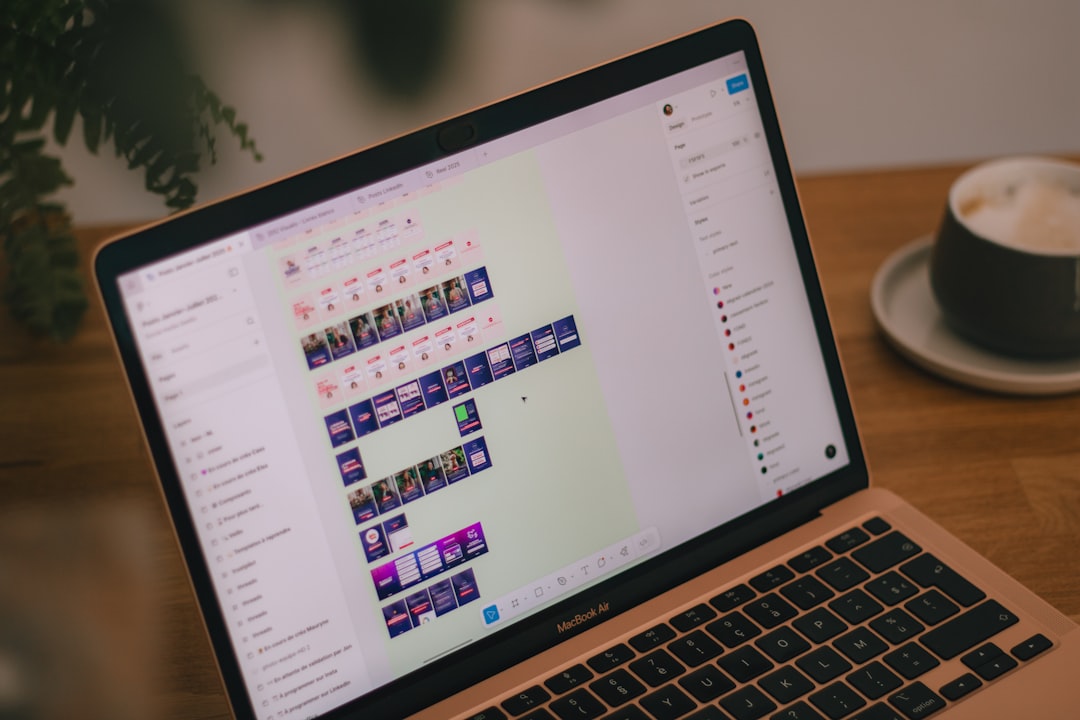
Google Calendar sync not working: what to check, in order
When Google Calendar sync stops working, the order of the checks decides how long it takes. Delegation, the macOS permission, and expired authorisation are the three that get skipped.

Google Calendar sync: the setup order that holds up
Google Calendar sync takes two minutes to connect and a week to stop redoing. Here is the order that avoids that: what to decide first, what to switch on, and what to check before relying on it.

How to set up Apple Calendar so the week is readable
iPhone calendar settings in iOS 27 are under Settings > Apps > Calendar. Which ones to change, in what order, and the in-app views that make a week readable.
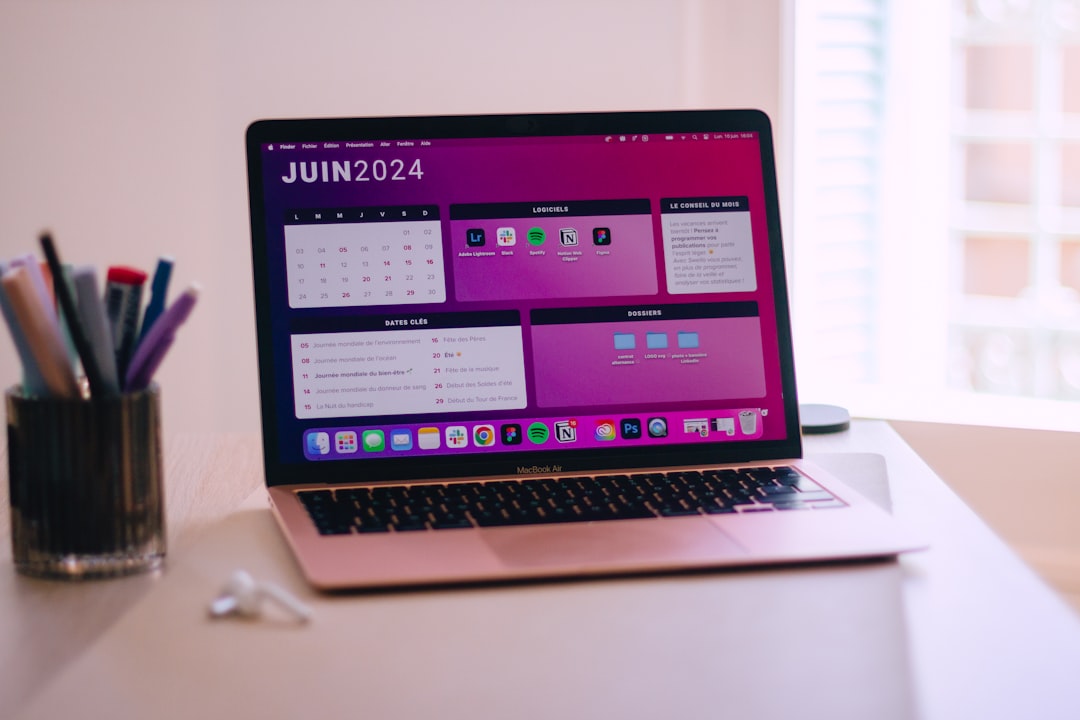
iPhone and Mac calendar sync: nothing travels between them
iPhone and Mac calendars sync through one account, not with each other. Check the account, the iCloud Calendars switch and the default calendar, then refresh.
Keyboard shortcuts for calendar work on a Mac
The fastest calendar shortcut setup on a Mac keeps five daily actions on the same keys in every app: Apple Calendar, Google Calendar, Fantastical, and clashes.
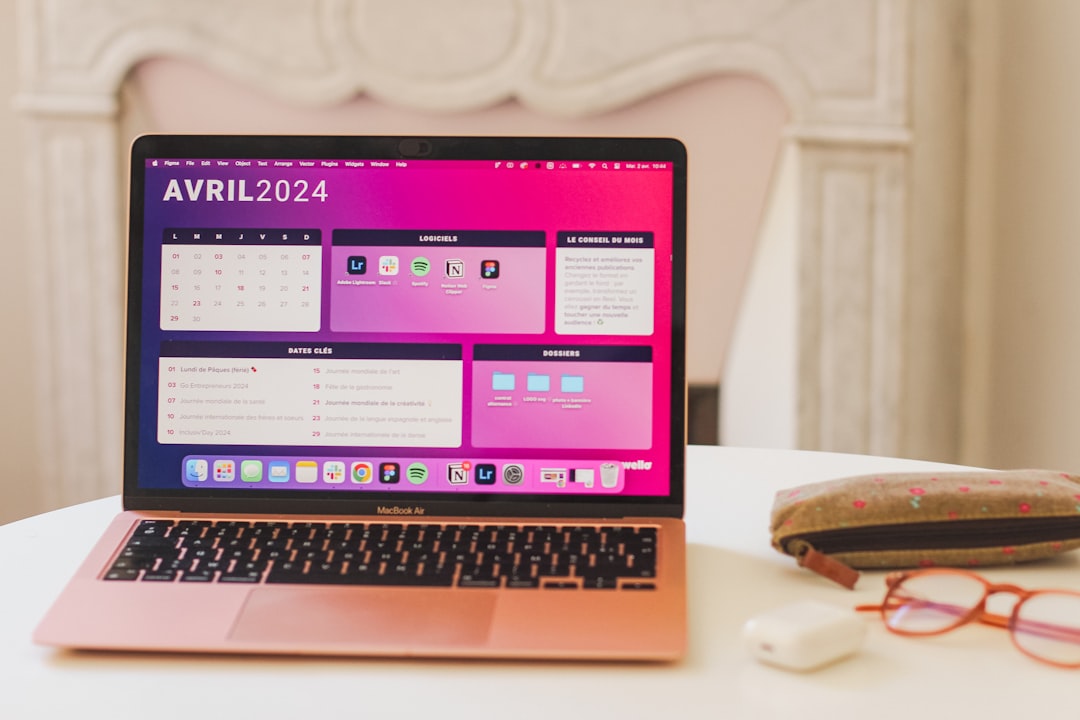
Mac Outlook calendar view: settings that decide it
Change the calendar view in Outlook for Mac from the View menu: Day, Work Week, Week, Three Day or Month. Work days are set in Settings; legacy Outlook differs.
Google Calendar permissions: what it does and where it breaks down
Google Calendar permissions explained as five levels, two independent layers, and one administrator ceiling. What each setting actually grants, and how to read a symptom back to its cause.

Google Calendar sharing not working: what to check, in order
Google Calendar sharing not working usually means one of six specific symptoms, each with a different cause. How to place the symptom before touching any setting, and the order to check things in.