Learn
Running a week that holds together, on a Mac calendar.

Color-coding events: what it does and where it breaks down
Color-coding events explained: where calendar colors are stored, why they vanish for shared users and in other apps, and which scheduling problems color cannot fix.
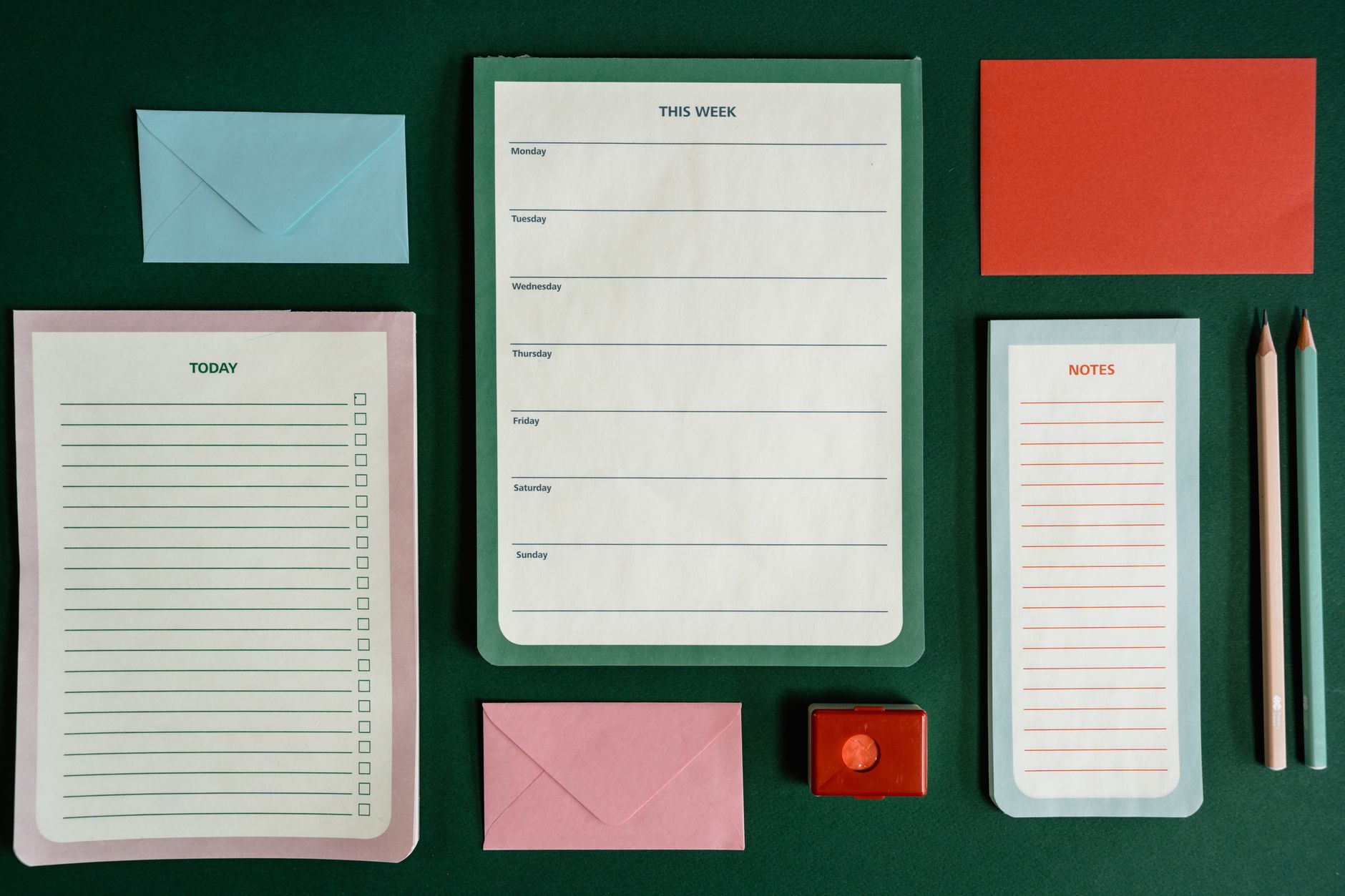
Color-coding events: the setup order that holds up
Color-coding events, step by step: four decisions to make first, then setup in Google Calendar, Outlook and Apple Calendar on Mac, and a two-week check that catches gaps.

Fantastical alternatives: what you can drop
Before looking for a Fantastical alternative, sort its features into what macOS Calendar and Google Calendar already do, what can be rebuilt, and what has no stand-in.
Fantastical: how to decide what you need
Deciding on Fantastical comes down to four questions: which devices you use, which accounts you connect, who you schedule with, and where you pay and keep data.

Apple Calendar alternatives: what you can drop
Apple Calendar alternatives, sorted by what the built in app already handles for free, what you can safely drop, and the verified price and status of each option.

Apple Calendar: how to decide what you need
Apple Calendar or another Mac calendar? Five conditions decide it: where events live, invites, time zones, daily entry volume, and three year cost.

Apple Calendar not working: what to check, in order
Apple Calendar not working? Sort the problem into one of five symptoms Apple documents, then work through the checks from cheapest to most disruptive.

Apple Calendar: what the free tier covers
Apple Calendar costs nothing, yet bills still arrive. What the free tier covers, the July 2026 iCloud+ price change, iCloud calendar limits, and pricing your time.